Day 26 Task: Jenkins Declarative Pipeline

Aspiring DevOps Engineer | Linux | Git & Github | Shell Scripting | Docker | CI/CD Jenkins | Kubernetes | AWS | Terraform | JIRA | Python |
What is a Pipeline?
In Jenkins, a pipeline is a set of automated processes that allow developers to build, test, and deploy code efficiently. It's represented as a series of steps, where each step performs a specific task.
Types of Pipelines:
Scripted Pipeline:
Syntax: Written in Groovy scripting language.
Flexibility: Offers greater flexibility and control over the pipeline flow.
    node {
        stage('Build') {
            // Build stage
        }
        stage('Test') {
            // Test stage
        }
        stage('Deploy') {
            // Deployment stage
        }
    }
Declarative Pipeline:
Syntax: Structured format with predefined sections like
agent,stages, andsteps.Simplicity: Provides a simpler and more opinionated syntax for defining pipelines.
    pipeline {
        agent any
        stages {
            stage('Build') {
                steps {
                    // Build steps
                }
            }
            stage('Test') {
                steps {
                    // Test steps
                }
            }
            stage('Deploy') {
                steps {
                    // Deployment steps
                }
            }
        }
    }
Why you should have a Pipeline
The definition of a Jenkins Pipeline is written into a text file (called a Jenkinsfile) which in turn can be committed to a project’s source control repository.
This is the foundation of "Pipeline-as-code"; treating the CD pipeline as a part of the application to be versioned and reviewed like any other code.
Creating a Jenkinsfile and committing it to source control provides a number of immediate benefits:
Automatically creates a Pipeline build process for all branches and pull requests.
Code review/iteration on the Pipeline (along with the remaining source code).
Task-01
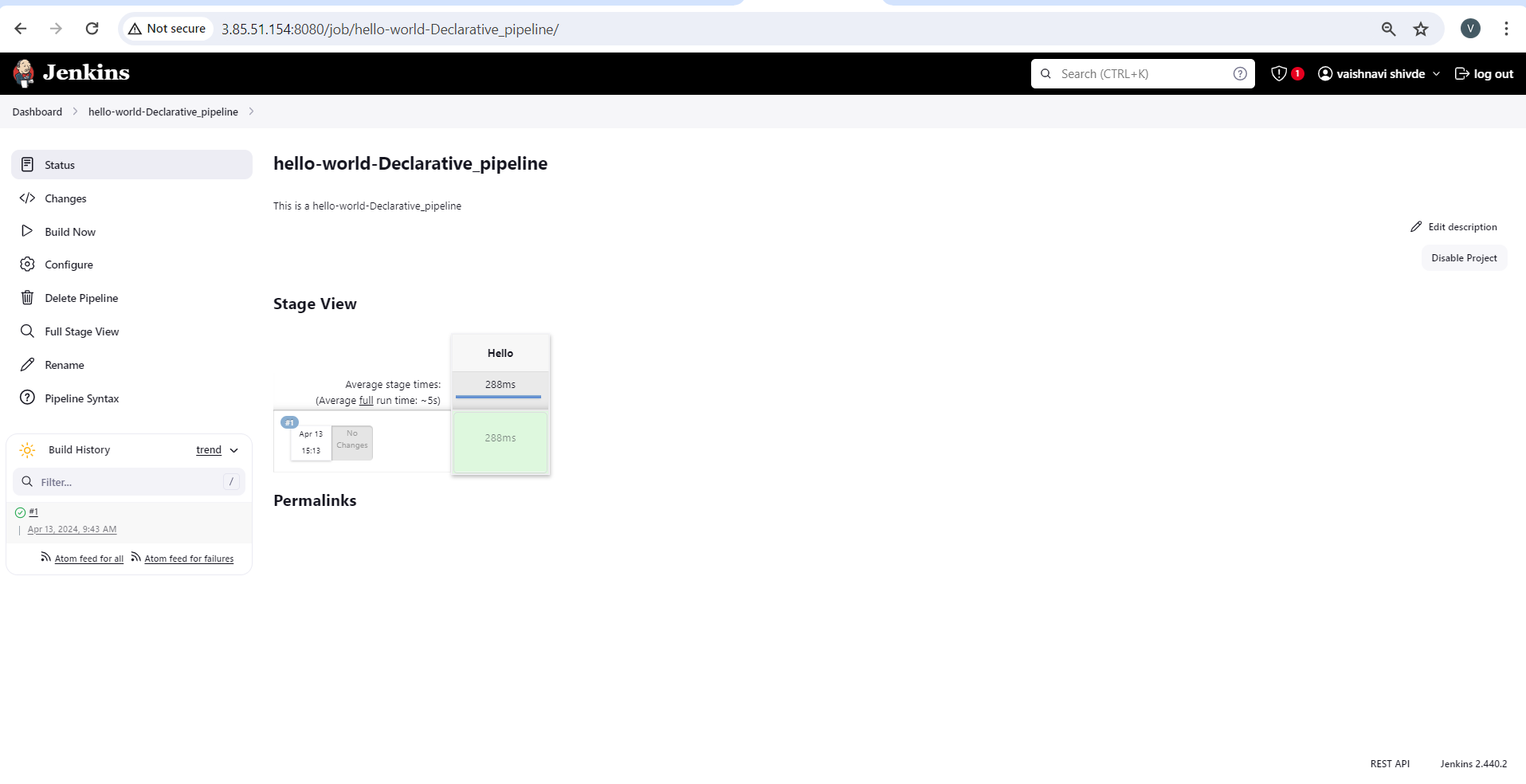
Create a New Job, this time select Pipeline instead of Freestyle Project.
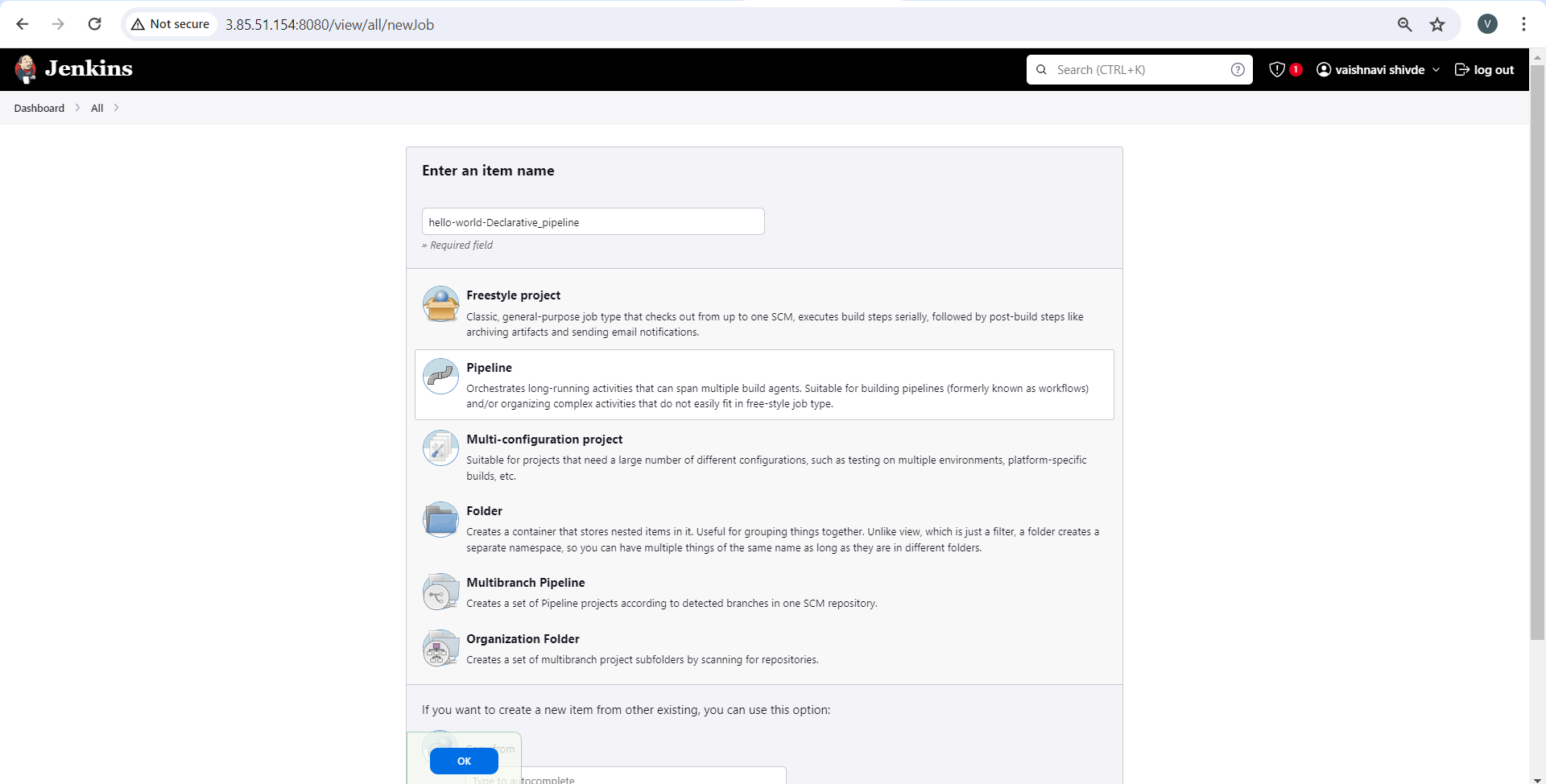
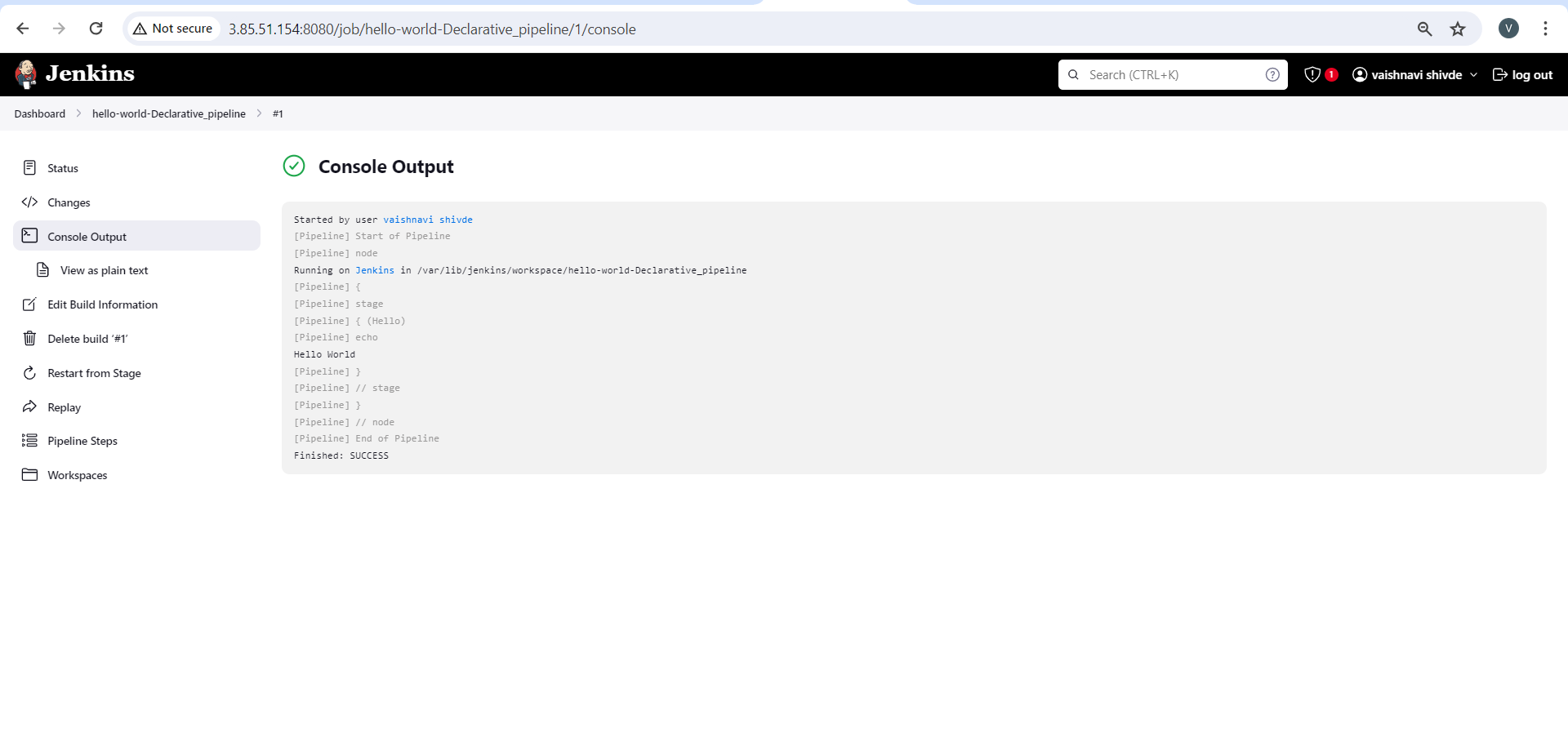
Follow the Official Jenkins Hello world example
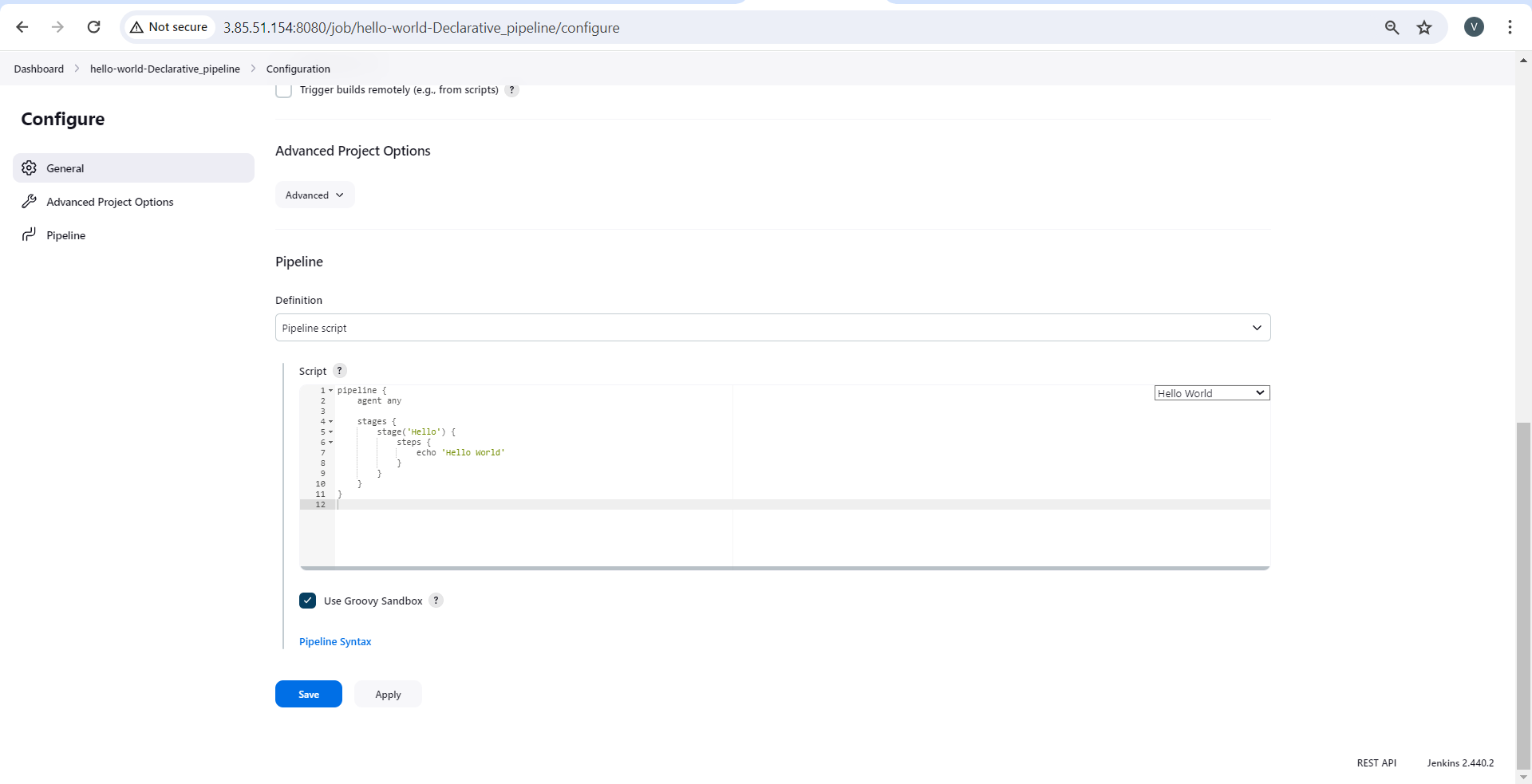
Complete the example using the Declarative pipeline